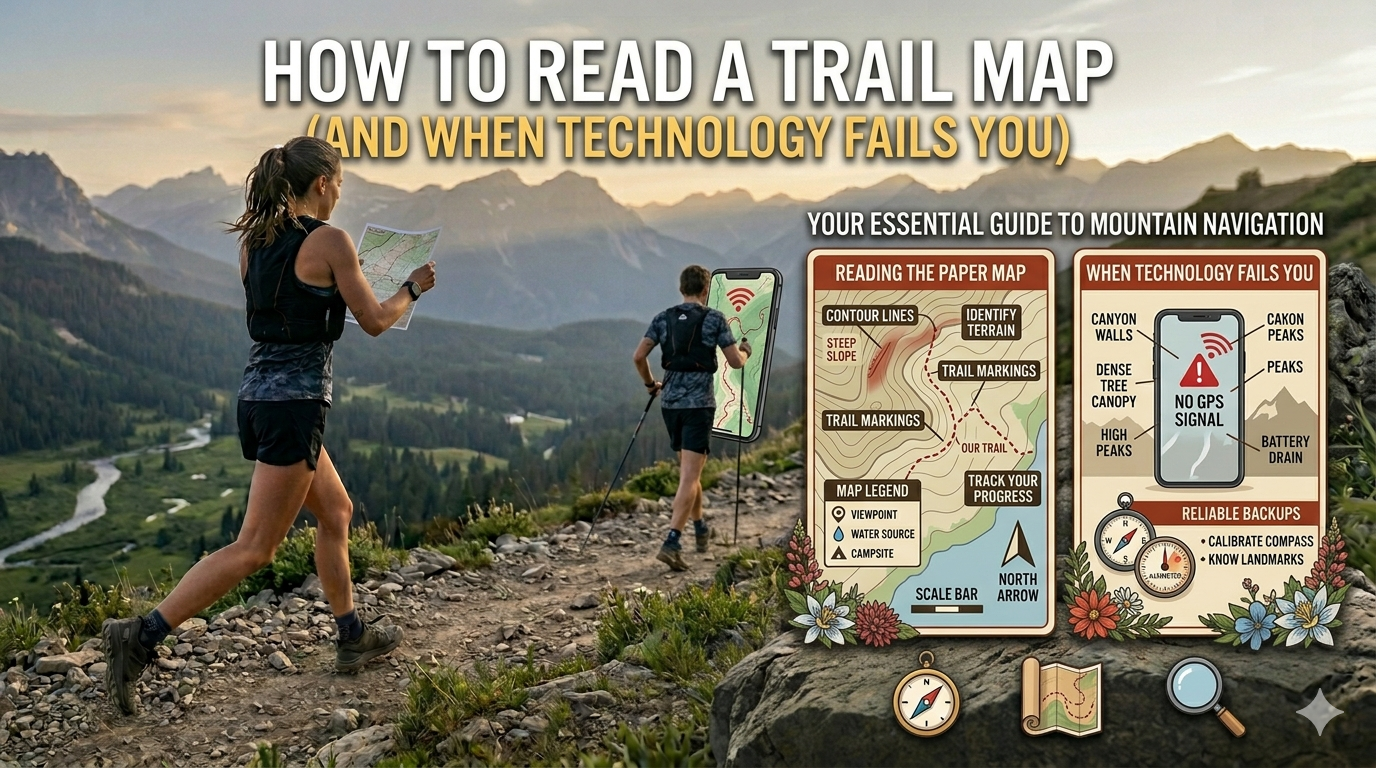
Modern GPS apps have made trail navigation dramatically easier — but they've also created a generation of hikers who have no idea how to navigate without a phone. When that phone dies in a remote canyon at mile 12, that gap in knowledge matters. Paper topo maps don't require batteries, don't lose signal, and don't crash. Here's how to read one.
Understanding Topographic Maps
A topographic map shows elevation using contour lines — lines that connect points of equal elevation. Understanding contour lines is the core skill.
- Contour interval: The elevation difference between adjacent contour lines. Printed on the map legend (commonly 40 feet or 80 feet for USGS maps). More lines = more elevation change over the same distance = steeper terrain.
- Closely spaced contour lines = steep terrain. Widely spaced = gentle slope.
- Index contours are the thicker, labeled lines (e.g., every 5th contour line at a round number elevation). They help you track elevation without counting every line.
- V-shapes pointing uphill = valleys, drainages, stream canyons. V-shapes pointing downhill = ridges.
- Closed circles or ovals = summits or high points (if marked with a tick inside the oval, it's a depression, not a summit).
Map Scale
USGS 7.5-minute topographic maps use a 1:24,000 scale — 1 inch on the map = 24,000 inches (2,000 feet, about 0.38 miles) on the ground. Most trail maps use similar scales. The map legend shows the scale and what various symbols mean.
Orient Your Map
A map is only useful when it's oriented to match the actual terrain. Two methods:
- With a compass: Set the compass on the map and rotate both until the compass needle aligns with north on the map. Now trails on the map correspond to trails in front of you.
- By landmarks: Identify a feature you can see (a peak, a lake, a road) on both the map and in the terrain. Rotate the map until the map feature points toward the actual feature. This is called "terrain association."
How to Track Your Position
As you hike, follow your progress on the map by noting landmarks you pass — trail junctions, stream crossings, saddles, viewpoints. Each landmark is a position fix. The distance between fixes tells you how far you've traveled and how far to your next turn or destination.
Understanding Trail Distances on a Map
Distances on trail maps are horizontal (map) distances — they don't account for elevation change. A trail that shows 1 mile on a map but climbs 2,000 feet in that mile is significantly longer in hiking time than a flat mile. Factor in elevation when estimating time.
Essential Gear for Navigation
- Baseplate compass — the standard for map work. No batteries, no apps, works everywhere.
- Printed paper map — USGS topo maps are free to download at apps.nationalmap.gov and printable at home.
- Map case or dry bag — a wet paper map is much harder to read and tears easily.
- Pencil — mark your location periodically so you can retrace if needed.
Digital Backup: Download Offline Maps
Before any significant hike, download offline maps on AllTrails, Gaia GPS, or Caltopo. These work without cell signal. Keep your phone in a battery case or external battery pack for extended trips. But also carry the paper map.
Practice Before You Need It
The worst time to learn map navigation is when you're already lost. Practice with a paper topo map on a familiar trail where you know where you are — tracking your position as you walk, identifying terrain features, and matching them to the map. Half an hour of practice in a familiar area translates directly to confidence when it matters.